Difference between revisions of "Semantic Checks"
| Line 1: | Line 1: | ||
| − | + | Menu '''Checks''' → [[Semantic Checks]] | |
Revision as of 14:12, 8 May 2012
Menu Checks → Semantic Checks
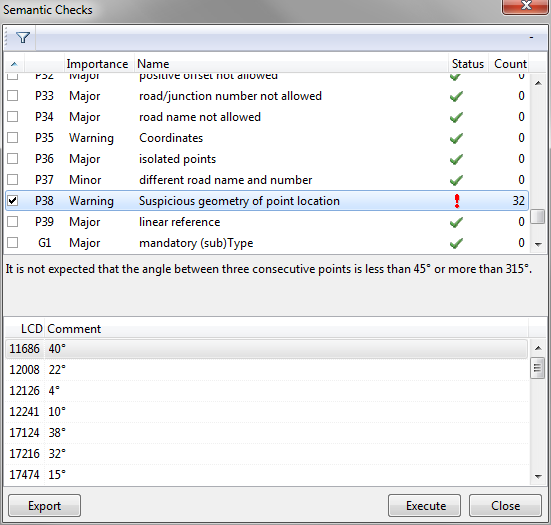
The Semantic Checks window is accessed either by the Checks menu or - in case of the corresponding option having been set - as a part of the Import Location Table Exchange Format function.
This window lists all checks executed on the data. The column Status displays
 for a passed test and
 for a failed test.
For the latter, the column Count states the number of objects which did not pass the test.
Click any record (line) to view the detailed explanation of the respective test:
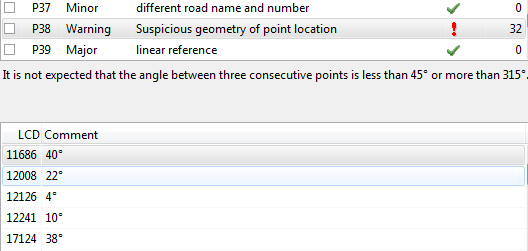
Click any test with a "fail" status, to view in the lower part of the window a commentated list of the objects which caused the test to fail:
To display failed tests only, click the following button in the window:
 Show Only Checks Containing Errors

