Difference between revisions of "Edit Visibility Settings"
| Line 4: | Line 4: | ||
<br> | <br> | ||
<br> | <br> | ||
| − | + | This function allows you to choose what data you whant to see displayed on the map and in the[[tree-view|data tree]] | |
| − | |||
<br> | <br> | ||
<br> | <br> | ||
Revision as of 13:16, 21 August 2013

Toolbar View → 
This function allows you to choose what data you whant to see displayed on the map and in thedata tree
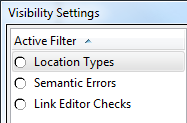
- Location Types
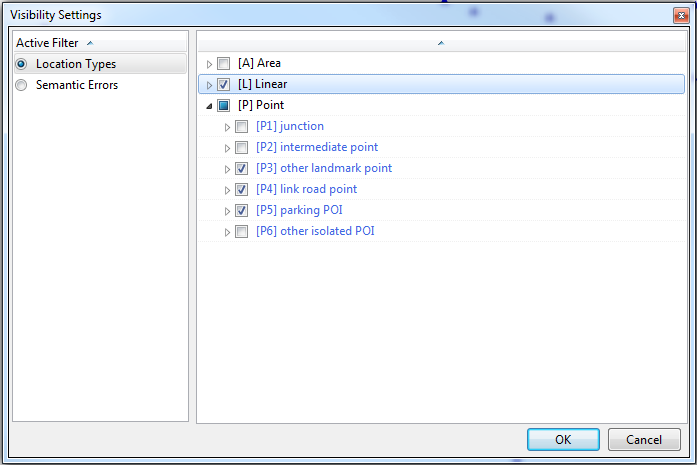
- By ticking the corresponding boxes, various 'Area', 'Linear' and 'Point' elements are included on the map and in the tree
- Example which would result in no 'Area' elements, all 'Linear' elements, and 'Ponit' elements P3 to P5 being shown.

- Semantic Errors
- The window displays all the errors found during the semantic checks. Ticking a box and clicking OK results in the corresponding errors being shown in the tree and on the map.
- Link Editor Checks (Only available in TMC Studio 'Editor')
- The window displays potential errors, generated when editing links. Ticking a box and clicking OK results in the corresponding errors being shown in the tree and on the map.
To deactivate any active filters, press  .
.
