Edit Visibility Settings
Toolbar View → 
The visibility settings are are manages by the window opened when clicking the button Edit Visibility Settings.
By working with this function, visibility is changed regarding the and and the map.
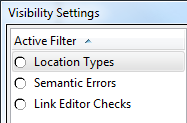
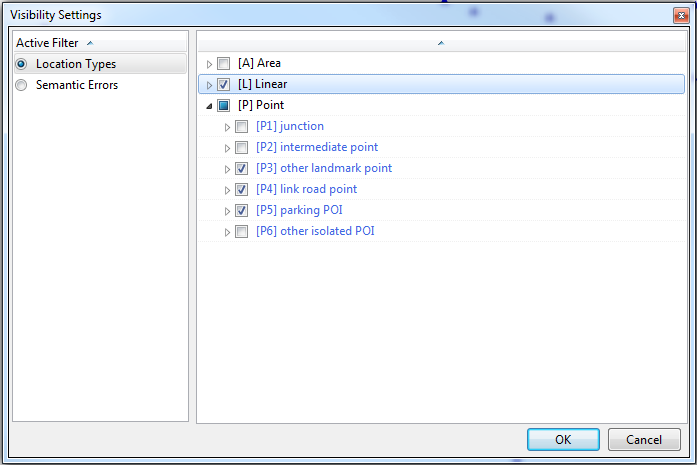
- Location Types
- By ticking the corresponding boxes, various 'Area', 'Linear' and 'Point' elements are included on the map and in the tree
- Example which would result in no 'Area' elements, all 'Linear' elements and 'Ponit' elements P3 to P5 being shown.

- Semantic Errors
- The window displays all the errors found during the semantic checks. Ticking a box and clicking OK results in the corresponding errors being shown in the tree and on the map.
- Link Editor Checks (Only available in TMC Studio 'Editor')
- The window displays potential errors, generated when editing links. Ticking a box and clicking OK results in the corresponding errors being shown in the tree and on the map.
To deactivate any active filters, press  .
.
